Wallet
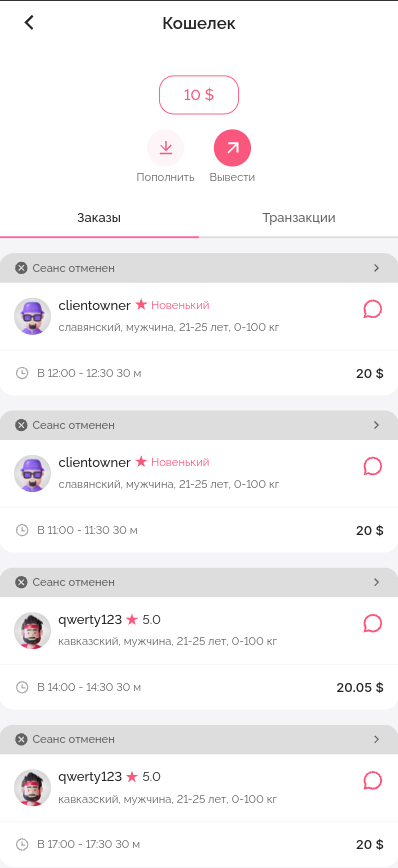
The wallet displays all financial transactions related to the Employee's account.
On the main screen of the Wallet, you can find the current account balance, buttons for depositing and withdrawing funds, as well as the history of all sessions and related information.
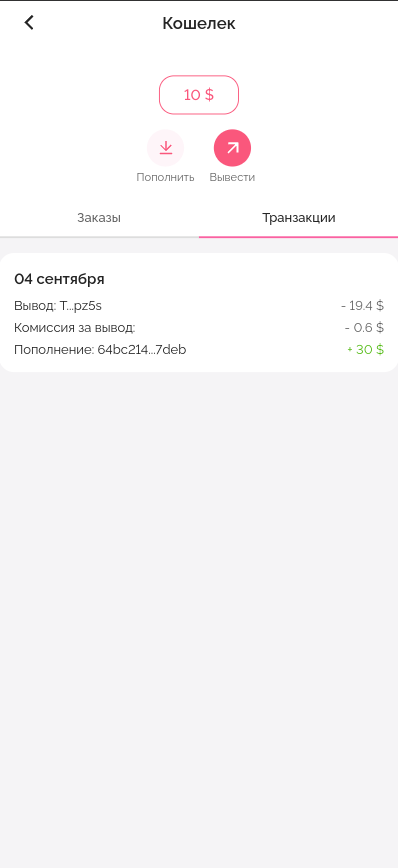
Transactions
The "Transactions" tab shows information about deposits and withdrawals on the account.
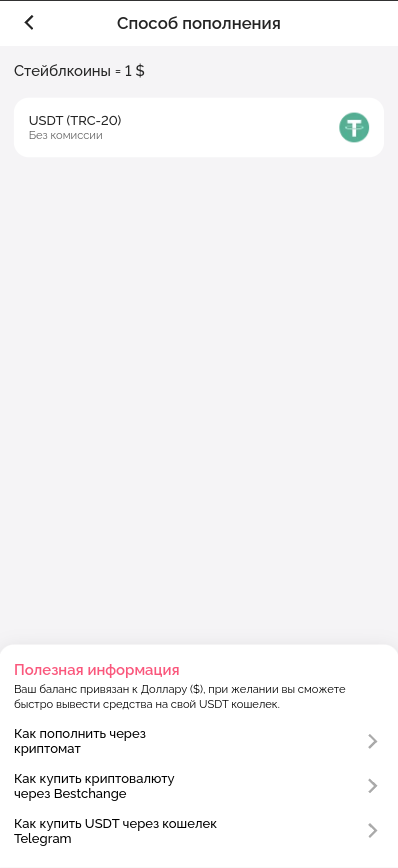
Balance top-up
To top up the account balance, you need to click the "Top Up" button.
To top up the balance, a USDT wallet address is assigned to the Employee, which remains unchanged.
Use only the TRON network (TRX, TRC20) for deposits! If you select the wrong network, your funds may be irretrievably lost!
More about account top-up methods.
Withdrawal of funds.
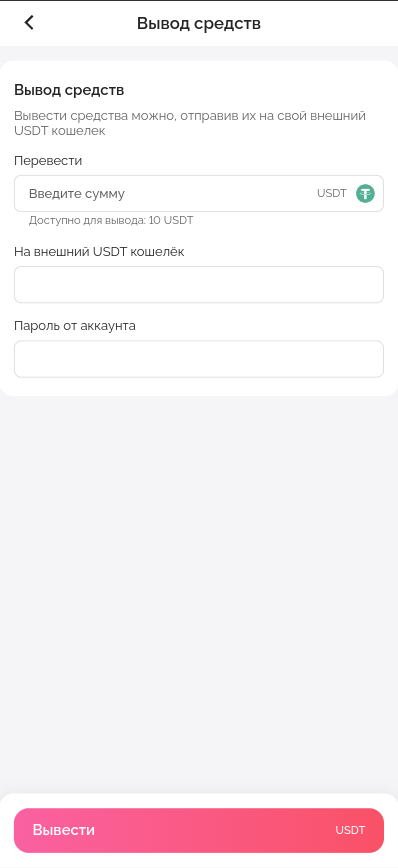
To withdraw funds, click the "Withdraw" button.
Enter the withdrawal amount in USDT (1 USDT = 1$).
Paste the USDT (TRC20) wallet address.
Enter your account password to confirm the withdrawal
The funds will be transferred to your wallet within 15-20 minutes.
Last updated